How to Film Yourself Surfing

Neptune
April 29, 2026
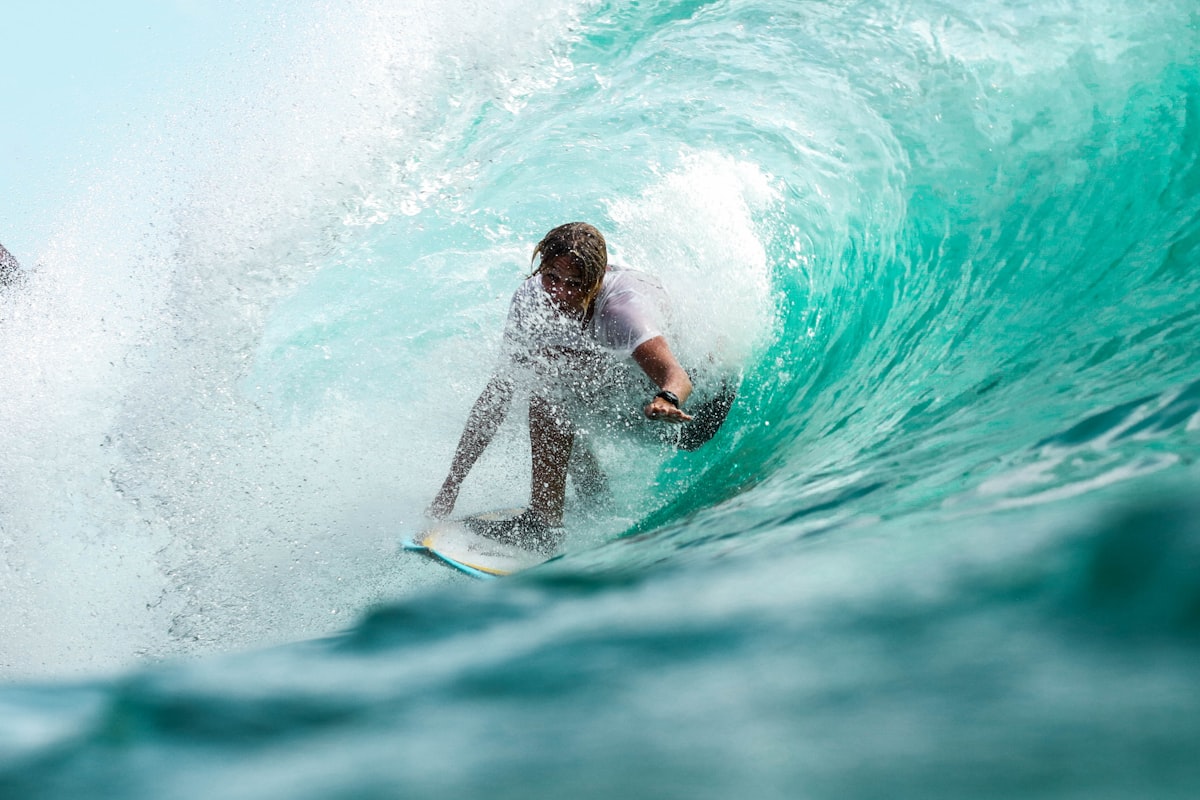
Why Watching Yourself Surf Changes Everything
A wave can feel perfect. The beach clip often says otherwise.
You cannot fix what you cannot see. Proprioception is unreliable on a moving board.
Video closes the gap. It is the closest thing surfing has to instant feedback, and it transforms practice from "go surf and hope" into something that resembles deliberate training. The good news: you do not need a film crew or expensive gear. A $50 phone tripod, a willing friend, or a cheap action camera gets you most of the way there.
What to Film With
There is no single "best" way to film yourself surfing. Each option has tradeoffs, and the right choice depends on your goal, your budget, and how much help you have on the beach.
Smartphones on a Tripod
For most surfers, a smartphone clamped to a cheap tripod is the best place to start. A modern phone shoots 4K at 60fps and has remarkable stabilization. Tripods with phone mounts cost under $50, and you can use the digital zoom to follow yourself across a peak.
The catch is range. Most smartphone lenses cap out at the equivalent of a 50–70mm zoom before quality collapses. If you surf a long way from shore, you will end up with grainy, distant footage that is barely usable. Phones work best at beach breaks where the lineup sits within roughly 75 yards of shore.
Setup tips:
- Use a tripod tall enough to clear pedestrians (at least 5 feet)
- Lock exposure and focus before recording so the camera does not hunt as waves change
- Shoot in landscape, never portrait — you need horizontal space to follow a wave
- Use 4K30 or 1080p60 — 60fps gives you smooth slow-motion for technique review
Action Cameras (GoPro and Equivalents)
Action cameras serve two distinct purposes for surfers, and people often confuse them.
Mounted on you (POV): The camera sits on your board, your wrist, or a chest mount. The footage is dramatic and great for showing what you saw, but it is mostly useless for technique review. You cannot see your own body, your stance, or your line on the wave.
Used as a beach camera: This is where action cameras shine for self-coaching. Their wide-angle lenses capture a huge slice of the lineup, their stabilization is exceptional, and they will keep filming for an hour without intervention. Mount one on a tripod, hit record, and surf normally. You will get hours of footage to comb through afterward.
If you only ever buy one piece of filming gear for self-coaching, make it a small tripod and a beach-mounted camera, not a board mount.
Drones
Drones produce the single most valuable angle for technique review: directly overhead or at a 30–45 degree angle from above. From this perspective you can see your board, your line, your weight distribution, and the wave's shape simultaneously. Nothing else compares.
The downsides are real, though. Drones require a pilot (or a follow-me mode that often loses its target above moving water), batteries die in 20–30 minutes, and many beaches have flight restrictions. They also struggle in strong onshore wind, which is when surf is often happening.
If you have a friend willing to fly, a drone session every few weeks will reveal more about your surfing than months of on-the-ground footage.
A Friend With a Camera
A friend on the beach with any zoom-capable camera is, frame-for-frame, still the best option. They can pan smoothly, anticipate where you're going, and adjust framing for the wave shape. If you can trade filming sessions with another surfer, do it. You will both improve faster than either of you would alone.

Where to Position the Camera
Camera placement is where most self-filmed footage goes wrong. The wave can be perfect, your surfing can be on point, and the clip will still be useless if the angle does not show what you need to see.
The Three Most Useful Angles
1. Side-on, slightly elevated. Stand on the beach roughly perpendicular to the wave's path, ideally on a small dune, jetty, or cliff that gives you 8–15 feet of elevation. This angle shows your stance, your line up and down the face, and your turns relative to the wave's pocket. It is the workhorse angle for almost every technique you would want to review.
2. From the channel. If your spot has a deep channel where waves do not break — common at point breaks and reefs — get a friend in the channel with a waterproof camera. Wave-level footage from this angle shows the spray off your turns, the wave's hollowness, and your position relative to the breaking section. It is dramatic and revealing, but only available at certain breaks.
3. Overhead (drone). From directly above, you can see the rail you are engaging, the line you are drawing, and the geometry of the wave. This is the only angle that clearly shows whether your bottom turn is a real turn or a glorified lean.
Avoid filming from directly behind the wave (you cannot see anything) or from the impact zone (you will lose the camera).
A Note on Distance
Film closer than you think. The instinct is to zoom out so you fit "the whole wave" in frame, but this produces tiny figures whose technique is invisible. Zoom in until the surfer fills roughly a third of the frame's height. You can always crop wider in post-production, but you cannot recover detail that was never captured.
What to Actually Capture
Working on video review? Partner with Neptune on iPhone and Apple Watch.
Get the free appMost surfers turn the camera on, surf for an hour, and then face two hours of footage where they are mostly paddling. Reviewing this volume of clip is so painful that the project usually ends after one session.
A better approach is to film with intent. Decide before paddling out what you are trying to see, and structure your capture around that goal.
The "One Goal Per Session" Rule
Pick one technique you are working on. Just one. Film with the explicit purpose of reviewing it.
If your goal is "improve my bottom turn," position the camera to capture the section of the wave where you do bottom turns. Surf a normal session, but mentally flag every wave where you executed (or attempted) a bottom turn. After your session, you only review those clips. You will learn more from 8 focused bottom turn reviews than from 60 minutes of mixed footage.
Capture Sets, Not Sessions
Action cameras and tripod-mounted phones can run for an hour, but the resulting footage is 90% paddling and waiting. Two strategies cut review time dramatically:
Loop recording. Most action cameras have a loop mode that keeps a rolling buffer of the last 5 or 15 minutes. Set it long enough that you can paddle in after a good wave and hit "save" to preserve the last segment.
Have your filmer hit record only on takeoff. A friend with a phone can start recording the moment they see you commit to a wave and stop when you finish your ride. The result is a clean folder of complete waves with no dead time.
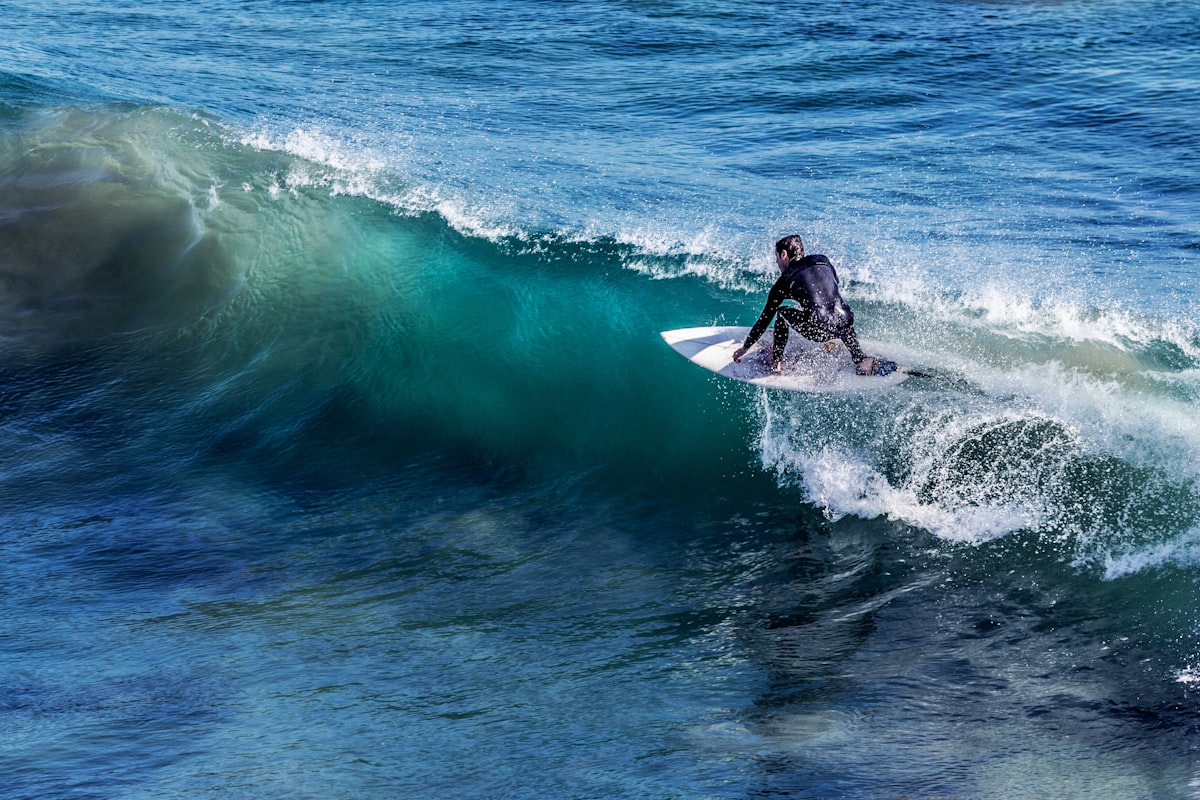
How to Review Footage Like a Coach
This is the part that most surfers skip. They film, they post a clip on Instagram, they never watch the full session, and they wonder why the camera is not making them better. The footage is not the lesson — the review process is.
Step 1: Watch Each Wave Three Times
The first time, watch at full speed and resist analyzing. Just notice your overall impression. Did the wave feel like it looks? What surprised you?
The second time, slow it to half speed or quarter speed. Watch your feet. Watch your knees. Watch your arms. You are looking for the gap between what you thought you were doing and what your body actually did.
The third time, pause at each major moment — takeoff, bottom turn, top turn — and ask one question per still: "Is my weight where I thought it was?" The answer is often no, and that is the lesson.
Step 2: Identify One Pattern, Not Ten Problems
A 20-minute review session will reveal dozens of issues. Stiff arms. Late pop-ups. Weight too far back on takeoffs. Looking down at your board. A bottom turn that is barely a turn.
Pick one. Pursue it for the next two sessions. Trying to fix everything at once is how surfers stall — your nervous system can only rewire one motor pattern at a time, and chasing five fixes simultaneously means none of them stick.
A useful prompt: "If I could only change one thing about my surfing this month, which one would unlock the most other improvements?" Often the answer is something foundational — your stance, your gaze, your timing on the takeoff — rather than the flashy maneuver you wish you were doing.
Step 3: Compare With a Reference Clip
Find a clip of a surfer at your level (or one level above) doing the same maneuver well. YouTube tutorials, pro highlight reels, and your friends' footage all work. Watch their clip and yours back-to-back at half speed.
The differences will be obvious. They will compress more before their bottom turn. Their gaze will be further down the line. Their hands will be quieter. The visual side-by-side does what no amount of verbal coaching can — it makes the gap concrete and shows you what to aim for.
Step 4: Take Notes You Will Actually Re-Read
A note that says "fix bottom turn" is useless. A note that says "my bottom turn — I'm leaning with my upper body but not bending my front knee enough; need to drop hips lower before drive phase" is something you can take into your next session.
A simple template:
- What I saw: (objective description)
- What I felt: (subjective experience during the wave)
- The gap: (where felt and saw diverge)
- What I'll try next session: (one specific cue or focus)
Re-read these notes before each session. The continuity is what makes video review compound over time, rather than feeling like an isolated event each time.

Common Pitfalls and How to Avoid Them
Filming Too Much, Reviewing Too Little
The most common pattern is enthusiastic capture and zero review. Hours of unwatched footage pile up on a hard drive. The fix is to limit yourself: film only every third or fourth session, but commit to fully reviewing the footage within 48 hours while the muscle memory is still fresh. Less film, more review.
Watching Only Your Best Waves
You learn more from average waves than highlight ones. The wave where everything came together by accident teaches you nothing. The wave where you almost made the section, or where you rushed your bottom turn, or where you fell on what should have been a makeable barrel — those are the waves with the lessons.
Resist the urge to skip past failures. Watch the wipeouts in slow motion. They reveal the moment your weight got behind the board, your eyes dropped to your feet, or your arms went out wide for balance.
Chasing the Edit Instead of the Insight
It is tempting to spend two hours editing a slick session video for social media instead of doing a 30-minute review for yourself. The edit is fun. The review is what makes you better. Separate the two — review first, edit later, and never let editing displace analysis.
Mistaking POV Footage for Coaching Material
A board-mounted GoPro produces footage that looks great and shows almost nothing useful. You cannot see your stance, your arms, or your line. POV is for memories and social posts; coaching needs an external view of you.
If you only have a chest or board camera, use it to capture conditions and the wave's shape, but do not expect it to show you what you are doing wrong. Beg, borrow, or buy a way to film from outside yourself.

A Realistic Cadence
You do not need to film every session, and you should not. Review fatigue is real, and most improvements take many sessions to show up on camera anyway.
A sustainable rhythm for most surfers:
- One filmed session every two weeks during a focused improvement phase
- 30 minutes of review within 48 hours of capture
- One specific cue or focus carried into the next 4–6 sessions
- A re-film of the same goal after a month to measure change
This pace produces visible, measurable progress over a year, without turning surfing into a chore. The point is not to become a surf videographer. The point is to use the camera as a mirror — long enough to see what you actually do, then put it away and go surf.
Beyond the Camera
Video is most effective when combined with other inputs — wave count, conditions, subjective feel, and feedback from a coach. A camera tells you what you did; a coach connects it to what you should try next.
Start with the camera, though. The visual feedback alone is enough to break through plateaus that have stalled you for years. The first time you watch yourself surf with honest eyes, something shifts. You stop guessing. You start working on the thing that is actually holding you back.
That is when the real improvement begins.
Read it. Then take it to the water.